EtsyDynasty AI Product Bundle Builder – OTO 10
✦ Optional Upgrade: EtsyDynasty AI Product Bundle BuilderAdd Bundle Builder →
✦ Optional Upgrade · EtsyDynasty AI Product Bundle Builder

You’veCreatedtheProducts.NowBringThemTogetherinaBundleThatFeelsComplete.

Turn Your Existing Product Files Into an Organized ZIP Package—with a Coordinated Cover, Contents Page, and Usage Instructions.

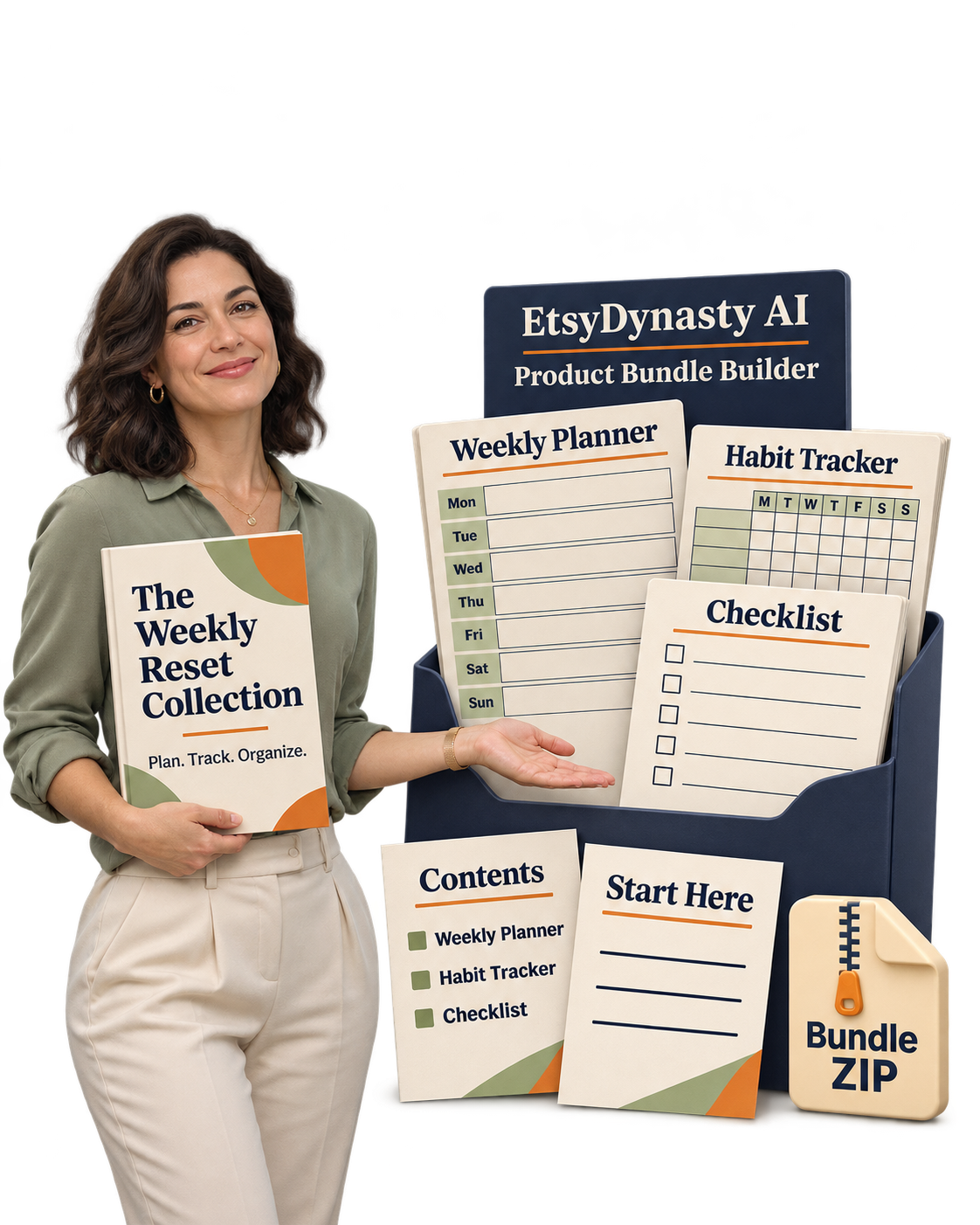
The collection
Your Bundle Title
Subtitle goes here
Contents
What’s Inside
01 Planner 3
02 Printables 9
03 Stationery 14
04 Bonus Files 20
Start here
How to Use
1
2
3
ZIP
Cover & Contents PagesUsage InstructionsOrganized ZIP Downloads
Product Bundle BuilderDemo

Watch How Your Individual Files Become One Organized Collection.

Watch the workflow from uploading existing products to reviewing the finished ZIP package.

Choose Your Files→Personalize the Cover→Add Instructions→Save & Download Your Bundle
$37.95 One-Time
Payment
$99.95 Planned Regular
Price
$62.00 You Save vs Planned
Regular Price
01

Your planner is finished.

02

Your printable pages are ready.

03

You’ve created useful products that belong together.

Now give them a presentation that helps customers understand what’s included—and where to begin.
Introducing

EtsyDynasty AI Product Bundle Builder

Helps you package your existing files into a cohesive downloadable collection. Add your products, personalize the bundle’s presentation, include helpful instructions, and download an organized ZIP you can review before offering it to buyers.

Bring the files together. Explain the collection clearly. Give your work a more thoughtful finish.

A Collection Should Feel Like More Than a Folder Full of Files.

Imagine opening a download and immediately finding:

01

A cover that introduces the collection.

02

A contents page that explains what’s inside.

03

Instructions that help you get started.

04

The actual product files, organized in one package.

That’s the experience you can prepare with Product Bundle Builder.

Whether you’re assembling related planners, printable activities, stationery files, or another compatible collection, you can build on products you’ve already created.

Here’s What You Can Bring Together.

✓

Package Your Existing Products Into One Download

Upload the compatible product files you want to include and export them together in an organized ZIP. Build a collection around a shared purpose, audience, or occasion.

✓

Give Your Collection a Clear Identity

Personalize the bundle’s project name, printed title, subtitle, and available design options. Create a cover that introduces the collection with a consistent visual style.

✓

Show Customers What They’re Receiving

Include a contents page so buyers have a clear starting point for exploring the package. Review it against your included files before publishing your offer.

✓

Add Instructions That Make the Next Step Clear

Provide your own guidance for printing, using, or getting started with the products. Put useful information alongside the files it explains.

✓

Preview the Supporting Pages Before Exporting

Review your cover and supporting pages as you work. Adjust the available wording, colors, typography, and paper-size settings to suit your collection.

✓

Save Your Bundle Project for Later

Return to a saved project when you need to revise the presentation or update the included files, then export a new package.

✓

Download Your Actual Product Files Together

The ZIP includes the files you supplied alongside the generated supporting materials. You receive a package you can open, inspect, and prepare for manual delivery or marketplace upload.

✓

Build Without Using AI Generation Credits

Product Bundle Builder uses template-based tools. This section does not require a Gemini API key or consume AI generation credits.

Give the Products You’ve Already Made a Stronger Presentation.

You’ve put effort into creating what’s inside.

Now make the package easier to understand, easier to navigate, and more consistent from the first page onward.

Start with a few related products. Give the collection a clear name. Explain what’s included and how to use it.

Product Bundle Builder helps you turn those finishing touches into a repeatable part of your workflow.

✦ Your Optional OTO 10 Upgrade

EtsyDynasty AI Product Bundle Builder

Organized ZIP DownloadsCover & Contents PagesUsage InstructionsSaved Projects
YES! Add Product Bundle Builder to My Account — $37.95 →

Includes a 30-day money-back guarantee.

✦ Today’s Upgrade
$37.95
One-Time Payment
Planned regular price: $99.95
Save $62.00
30-day money-back guarantee

Organized ZIP Downloads • Cover & Contents Pages • Usage Instructions • Saved Projects

Your Products Are Finished. But Is the Collection Ready for Someone Else to Open?

Is your collection ready for someone else to open?

You’ve created the planner. Finished the activity sheets. Prepared the supporting pages.

Then you look at the files. Different names. Different folders. A few versions you still need to check.

You know how everything fits together—but a customer opening the download for the first time doesn’t have that context.

“Which file should I open first?”

“What’s included in this collection?”

“Where are the printing instructions?”

Give Your Collection a Clear Starting Point.

EtsyDynasty AI Product Bundle Builder helps you turn your existing files into an organized package with an introduction, contents page, and useful instructions. Choose the products that belong together. Give the bundle a name. Explain what’s inside and how to use it. Then download the ZIP and review the complete package before offering it to buyers.

Make the First Few Minutes With Your Product Easier.

①

Introduce the collection.

Create a cover with your bundle’s title and subtitle, giving the package a clear identity from the beginning.

②

Explain what’s inside.

Include a contents page that helps customers understand the collection. Check that it accurately reflects the files you’ve added.

③

Provide a helpful next step.

Add your own usage or printing instructions so customers have guidance alongside their downloads.

④

Bring the actual files together.

Upload your compatible product files and include them in one organized ZIP package, ready for your final review.

You’ve Done the Work Inside the Bundle. Give the Outside the Same Attention.

A useful collection deserves a thoughtful introduction. Make it clear what customers have received—and help them begin using it.

Your Next Collection Could Start With Products You’ve Already Created.

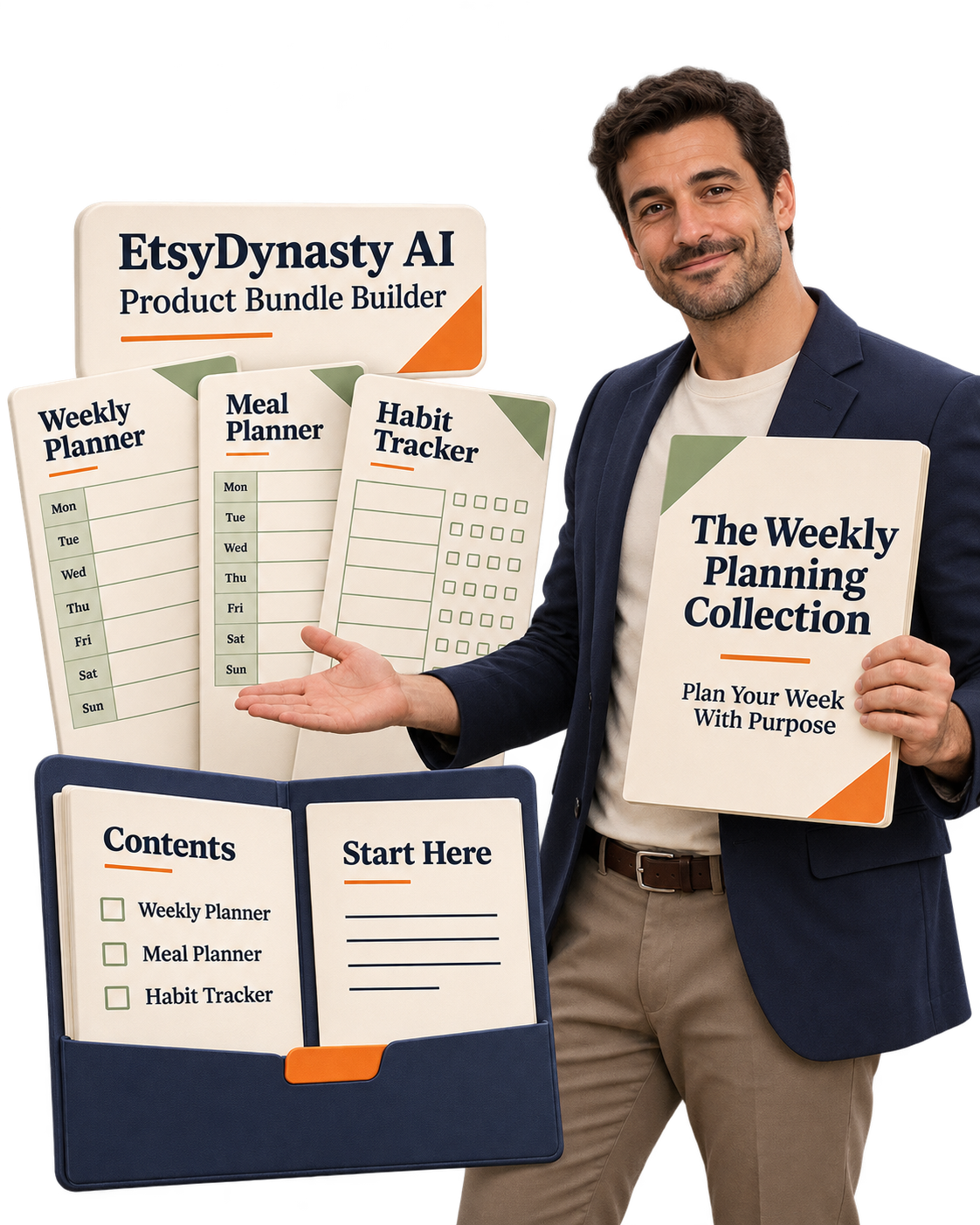
A weekly planner helps someone organize their schedule.

A meal planner helps them prepare for the week. A habit tracker helps them keep sight of their routines.

Bring those related products together, and you can give the collection a clear purpose: a weekly planning toolkit.

You’ve already done the creative work. Now you can decide which pieces belong together—and present them as one thoughtful package.

A collection built from products you already created

Build Around a Purpose Your Customer Can Understand.

EtsyDynasty AI Product Bundle Builder helps you package the compatible files you choose, with a cover, contents page, and your own usage instructions. Start by asking:

“What would make these products useful together?”

That question gives your collection direction.

Here Are Three Ways to Think About Your First Bundle.

①

A Weekly Planning Collection

Bring together your existing weekly planner, meal planner, and habit tracker. Introduce the collection with a clear cover and add instructions explaining how someone might use the pages throughout their week.

②

A Printable Activity Collection

Package your prepared word searches, bingo cards, and matching activities. Include the relevant instructions and answer keys you’ve already created, then check that the contents page reflects the complete package.

③

A Celebration Stationery Collection

Gather your finished invitations, RSVP cards, thank-you cards, and place cards. Add guidance about the included formats and printing considerations so customers know what to review before printing.

These are examples using products you supply. The underlying planners, games, and stationery are not generated by Product Bundle Builder.

Give Every File a Reason to Be Included.

Choose pieces that serve the same audience, occasion, or task. Leave out unrelated extras. Check your file versions. Write a title that explains the collection clearly. A focused bundle is easier to describe—and gives customers a clearer picture of what they’re receiving.

Start With What You Have. Bring Together What Belongs.

One useful theme. A carefully chosen set of products. A package you’ve reviewed from cover to final file. That’s a practical starting point for your next collection.

Give Your Bundle a Clear Identity— Before Your Customer Opens the First Product.

Giving your bundle a clear identity

You’ve chosen the files that belong together. Now introduce them in a way that makes the collection easy to understand.

What is it called?

Who is it for?

What should someone do first?

Your cover, contents page, and instructions give you a place to answer those questions.

Make the Introduction as Thoughtful as the Products Inside.

EtsyDynasty AI Product Bundle Builder lets you personalize the supporting pages around your collection—while keeping the uploaded product files themselves unchanged.

①

Give Your Collection a Name That Explains Its Purpose.

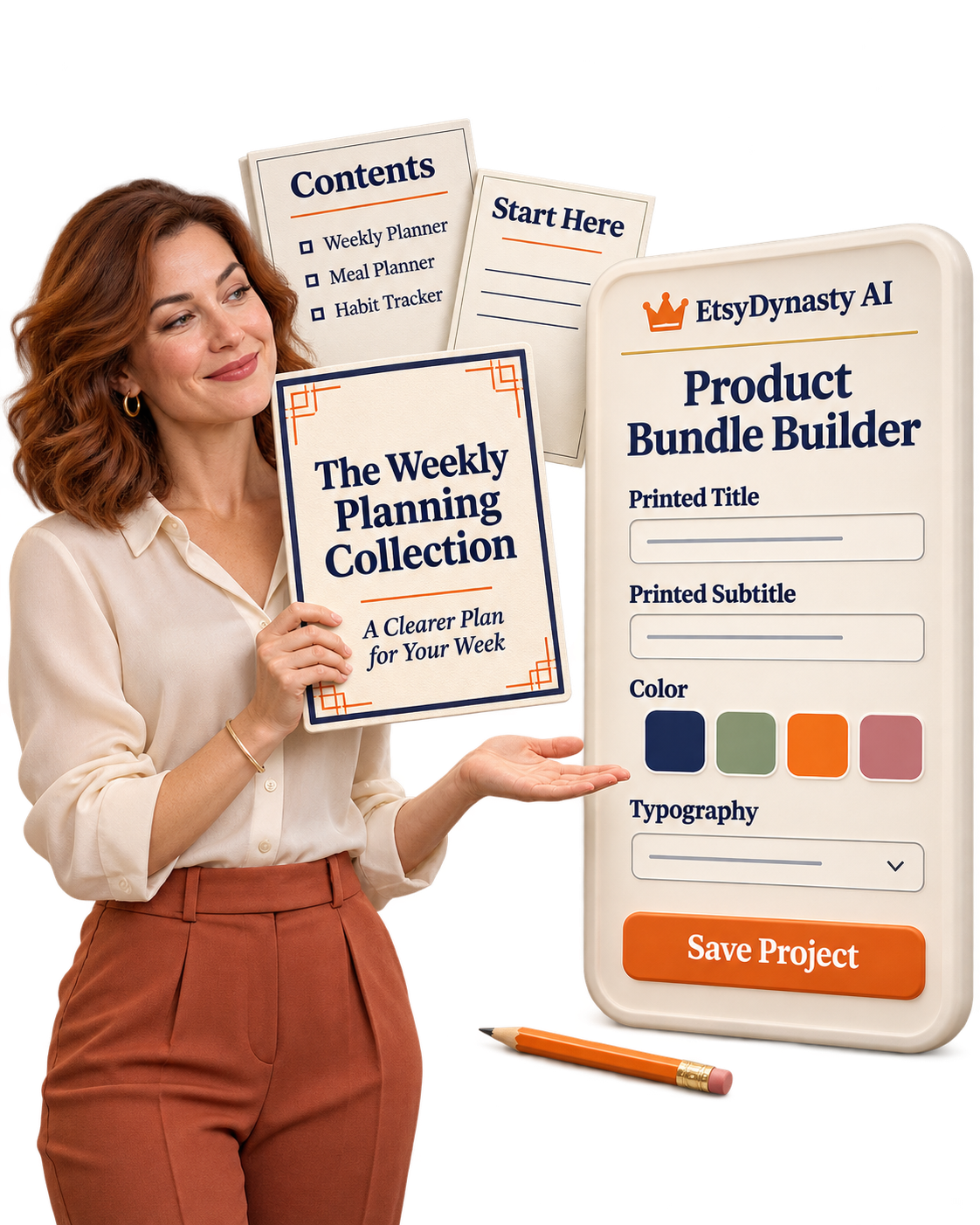
A title such as “The Weekly Planning Collection” tells customers more than “Printable Bundle.” Add a subtitle that describes the collection’s focus, then choose from the available colors and typography to shape its presentation. Help someone recognize what they’ve downloaded at a glance.

②

Show Them What’s Included.

Use the contents page to introduce the package. Check that it reflects the files you’ve selected and that the names make sense to someone seeing them for the first time. Give customers a useful overview before they explore.

③

Write the Guidance You’d Want Them to Have.

Add your own instructions for getting started, using the products, or preparing printable files. For a planning collection, you might explain:

“Start with the weekly planner, use the meal planner to prepare your shopping list, and keep the habit tracker somewhere visible.”

Turn your knowledge of the collection into practical guidance.

④

Preview the Supporting Pages as You Work.

Review your cover and guide pages. Adjust the available wording, colors, typography, and paper size. Then inspect the exported package to check the complete experience.

Your Files Bring the Substance. Your Presentation Helps People Find Their Way.

A clear title. An accurate contents page. Instructions written with the customer in mind. Small finishing touches can make your collection feel more considered—and easier to begin using.

Keep the Work You’ve Done. Come Back When Your Collection Is Ready for Its Next Update.

You finish a bundle—and then think of a clearer title.

You notice an instruction that could be more helpful. Or you prepare another product that belongs in the collection.

Your saved project gives you a place to continue.

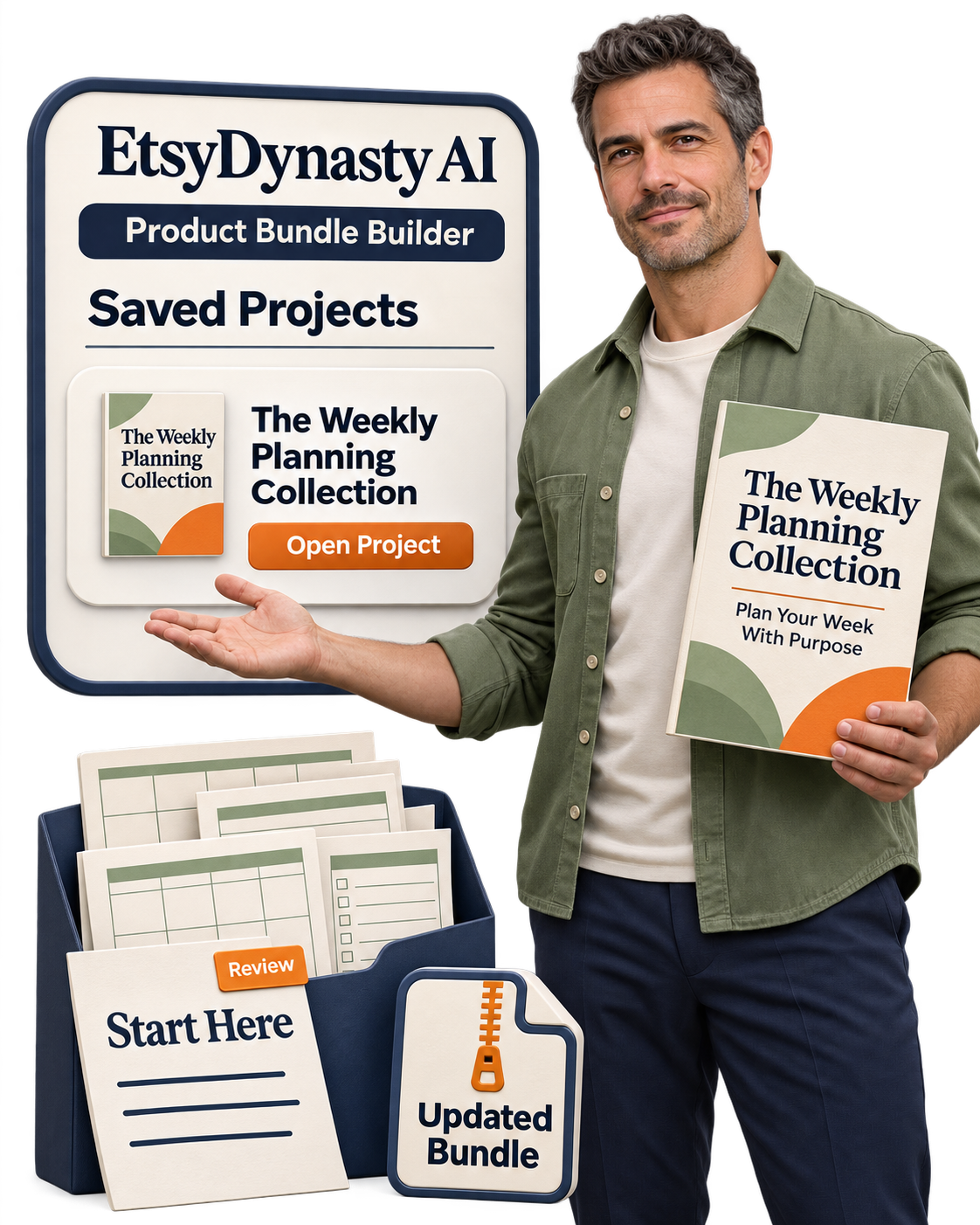
With EtsyDynasty AI Product Bundle Builder, you can reopen your bundle, revise its presentation, manage the included files, and download an updated package.

A saved bundle project you can update

Give Your Collection Room to Improve.

①

Return to your saved project.

Open the bundle you were working on and continue from its saved settings. Keep its title, styling, and instructions together in one workspace.

②

Refine the details that matter.

Clarify a subtitle. Improve your usage instructions. Adjust the available design settings so the supporting pages better introduce your collection.

③

Review the files you’re including.

Check that each uploaded product belongs in the bundle and is the version you intend to distribute. Update the selection when your collection changes.

④

Export a fresh package.

Save your changes and download a new ZIP. Open it and inspect the contents before replacing your previous delivery file. Your earlier downloads stay unchanged. You decide when to upload or share the revised package.

Build a Workflow You Can Return To.

You don’t have to finish every decision in one sitting. Prepare the cover today. Review the instructions tomorrow. Return when your product files are ready. A saved project helps you carry the work forward without having to remember every choice you made.

Your First Export Can Be a Starting Point. Your Saved Project Keeps the Next Step Within Reach.

“I’ve Never Put a Product Bundle Together.” Start With One Collection You Know Well.

Start with one collection you know well

You don’t need a huge catalog to begin.

Perhaps you have a weekly planner and a matching checklist. Or a few printable activities created around the same theme.

If the files serve a useful purpose together, you have a starting point.

EtsyDynasty AI Product Bundle Builder gives you a structured workspace for the next steps: uploading your files, introducing the collection, adding instructions, and downloading the package.

Make Your First Bundle Manageable.

①

Choose a small, related set of products.

Start with files you’ve already checked and understand well. Think about how someone would use them together.

②

Give the collection a clear name.

Choose a title that explains its purpose. Personalize the cover using the available colors, typography, and wording.

③

Explain how to begin.

Write the guidance you would give someone receiving the products for the first time. Include relevant printing or usage instructions.

④

Open the finished download yourself.

Save your project, export the ZIP, and inspect the files. Check that the contents and instructions match what you intend to deliver.

You Bring the Products. The Builder Helps You Package Them.

There are no AI prompts to write for this workflow, and no Gemini API key or AI generation credits are required. You choose the files and write the guidance. The studio creates the supporting pages and assembles the downloadable package. Your first collection can be focused, straightforward, and useful.

Start Small. Review Carefully. Build Confidence With a Bundle You’ve Finished.

Give Your Finished Products a More Complete Presentation— for $37.95 One Time.

You’ve invested time in creating the products.

Now bring the right pieces together, introduce the collection clearly, and prepare a download you can review from beginning to end.

EtsyDynasty AI Product Bundle Builder puts those finishing steps in one workspace. Upload your existing files. Personalize the cover. Add useful instructions. Save your project and export the package.

Turn “I should bundle these together” into a collection you can open, inspect, and prepare to offer.

Product Bundle Builder offer

Here’s What Your Upgrade Includes.

✓

Your Actual Products in One ZIP

Package the compatible files you upload into an organized download, alongside the supporting materials.

✓

A Cover That Introduces the Collection

Personalize the title, subtitle, and available styling to give your bundle a clear identity.

✓

A Contents Page That Explains What’s Inside

Help customers understand the collection. Review the contents against your included files before distributing it.

✓

Your Own Usage Instructions

Add practical guidance for getting started, printing, or using the products you’ve included.

✓

Previews for Your Supporting Pages

Check the presentation as you work and adjust the available wording, colors, typography, and paper size.

✓

Saved Projects You Can Revisit

Return to your collection, revise the details, and export a fresh package when needed.

✓

A Workflow Without AI Generation Credits

This template-based builder does not require a Gemini API key or consume AI generation credits.

Make the Packaging Part of Finishing the Product.

A clear introduction. Helpful guidance. The files you intended to include. Give your collection the attention you’ve already given the products inside it.

✦ Your Optional OTO 10 Upgrade
EtsyDynasty AI Product Bundle Builder
Planned regular price: $99.95
Your Upgrade Price$37.95 One-Time Payment
Includes a 30-day money-back guaranteeYES! Add Product Bundle Builder to My Account — $37.95 →

Cover & Contents Pages • Usage Instructions • Saved Projects • Organized ZIP Downloads

Build Your First Bundle. Open the Download. Give Yourself 30 Days to Decide.

30-day money-back guarantee

The best way to judge Product Bundle Builder is to use it with your own products.

Choose a few related files. Create your cover. Add the instructions you’d want your customers to have. Then download the ZIP and explore the package for yourself.

Your EtsyDynasty AI Product Bundle Builder upgrade includes a 30-day money-back guarantee, giving you time to see whether the workflow fits the way you create and package products.

Put It Through a Practical Test.

①

Bring your own files.

Start with a small collection of compatible products you’ve already prepared.

②

Make the presentation yours.

Personalize the title, subtitle, and available styling. Add clear instructions and review the contents page.

③

Inspect the finished package.

Download and extract the ZIP. Open the included files and supporting pages. Check the experience from the customer’s perspective.

④

Return and make a change.

Reopen your saved project, refine a detail, and export again. See how the builder fits into your ongoing work.

Decide From Experience With Your Own Collection.

? Does the presentation suit your products?
? Are the supporting pages useful?
? Does having a saved bundle project help you keep the work organized?

You have time to answer those questions for yourself.

If It Isn’t the Right Fit, Request a Refund Within 30 Days of Purchase.

Contact our support team using the details provided with your purchase and request your refund. Try the tools. Review your results. Keep the upgrade because it works for you.

Add Product Bundle Builder for $37.95 One Time.

YES! Add Product Bundle Builder to My Account — $37.95 →

30-day money-back guarantee • Saved projects • Organized ZIP downloads

Before You Build Your First Bundle, Here’s What You May Want to Know.

✎ Tap a question to watch the answer get written

1 What exactly does Product Bundle Builder do?

It helps you package existing product files into an organized ZIP download, alongside a cover, contents page, and usage instructions.

You supply the products. The builder helps you prepare their presentation and package them together.

2 Does it create the products inside my bundle?

No. Your planners, games, stationery, artwork, or other products need to be prepared before you upload them.

Product Bundle Builder creates the supporting presentation materials and assembles the package. It does not generate or redesign your uploaded products.

3 Do I need a large collection to get started?

No. You can begin with a small set of related files.

A weekly planner, meal planner, and habit tracker could form a focused collection. Choose products that make sense together and clearly explain what customers will receive.

4 What file formats can I upload?

The builder supports PDF, PNG, JPG, WEBP, TXT, and CSV product files, subject to the upload limits shown in the application.

Check that each file opens correctly and that its contents match its extension before including it.

5 Can I personalize the bundle’s appearance?

Yes. You can edit the available title, subtitle, instructions, colors, typography, and paper-size settings for the supporting pages.

These controls change the bundle’s presentation materials. They do not change the designs inside your uploaded product files.

6 What will I receive when I export?

You’ll receive a ZIP containing your uploaded product files alongside the generated supporting materials and an editable project file.

Download and extract the ZIP, then inspect the complete package before sharing it or uploading it to a marketplace.

7 Can I save a bundle and update it later?

Yes. Save your project, reopen it, revise the available details or included files, and export a new package.

Previously downloaded or distributed copies remain unchanged. You decide when to replace them with your revised download.

8 Does this use AI credits or require a Gemini API key?

No. Product Bundle Builder uses a template-based workflow. Its packaging tools do not require a Gemini API key or consume AI generation credits.

9 Can I sell the bundles, and will the tool publish them for me?

You can prepare bundles for sale using files you own or have permission to redistribute, subject to the applicable licenses and marketplace requirements.

Publishing is manual. The builder does not connect to your seller account, publish listings, or guarantee marketplace approval or sales.

10 What is the price, and is there a refund guarantee?

Product Bundle Builder is $37.95 as a one-time upgrade payment.

Your purchase includes a 30-day money-back guarantee. If it isn’t the right fit, contact support using the details supplied with your purchase to request a refund within 30 days.

You’ve Created Products Worth Bringing Together. Now Give Them a Thoughtful Finish.

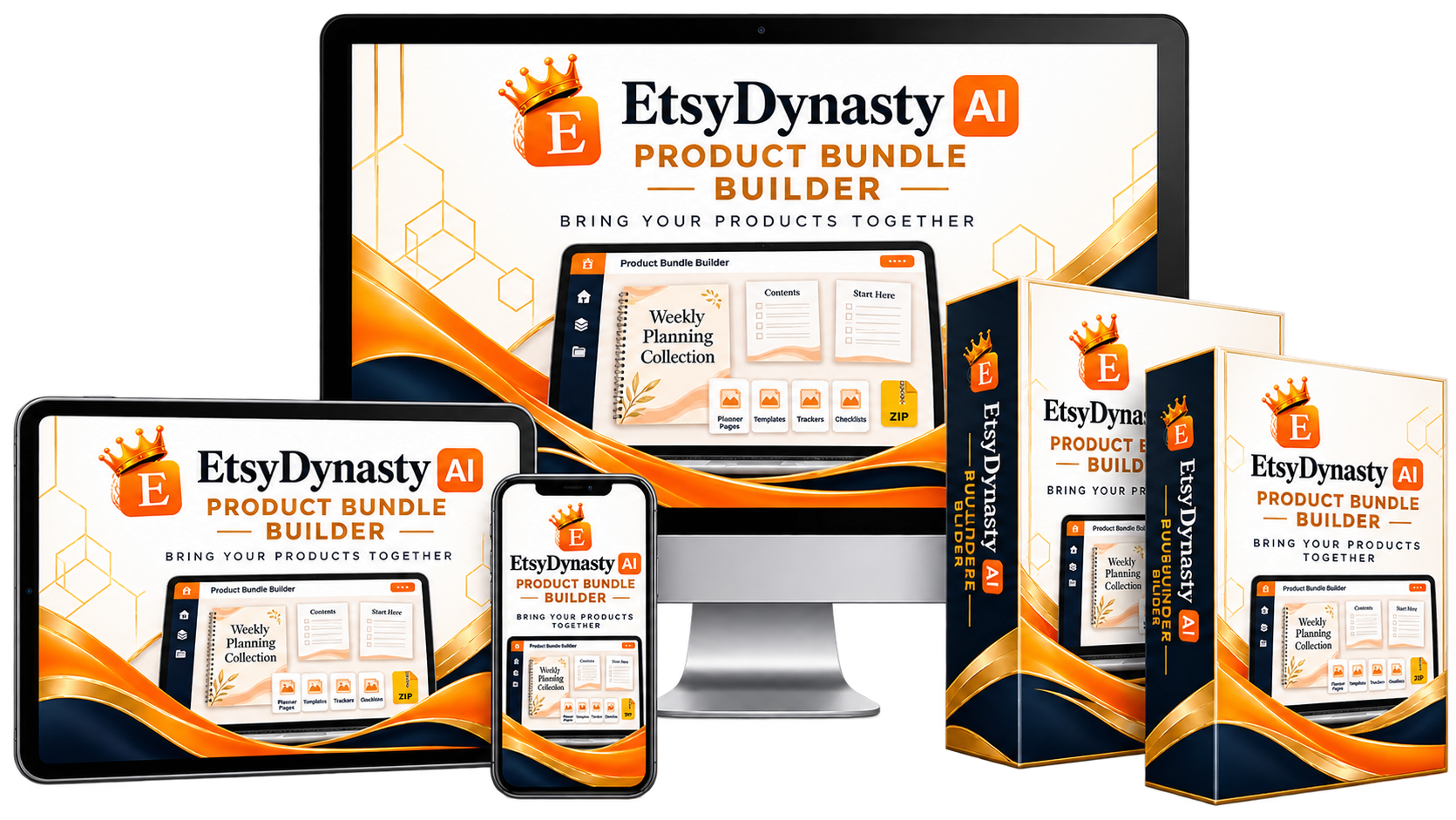
EtsyDynasty AI Product Bundle Builder mockup

Picture your next collection ready to review.

The cover introduces its purpose. The contents page explains what’s included. Your instructions help someone get started. And the actual product files are gathered in one downloadable package.

That’s the finishing step EtsyDynasty AI Product Bundle Builder helps you prepare.

Start With the Collection You Already Have in Mind.

Perhaps it’s a planning toolkit. A set of printable activities. A coordinated stationery collection. Choose the related files you’ve already created, give the bundle a clear identity, and add the guidance that helps customers understand it. You bring the products and the knowledge behind them. The builder gives you a workspace for packaging that work.

Bring These Finishing Tools Into Your Workflow.

✓

A personalized cover

To introduce your collection.

✓

A contents page

To explain what’s inside.

✓

Your own usage instructions

To guide the next step.

✓

Previews and styling controls

For the supporting pages.

✓

Saved projects

You can reopen and revise.

✓

An organized ZIP download

Containing your supplied files and supporting materials.

No Gemini API key or AI generation credits are required for this template-based workflow.

Your Next Step Can Be One Finished Bundle.

Choose the files. Prepare the presentation. Save your project. Then open the exported package and check it as carefully as you checked the products themselves. Give the collection a clear beginning—and make it easier for someone else to explore what you’ve created.

✦ Your Optional OTO 10 Upgrade
EtsyDynasty AI Product Bundle Builder
Planned regular price: $99.95
Your Upgrade Price$37.95 One Time
Includes a 30-day money-back guaranteeYES! Add Product Bundle Builder to My Account — $37.95 →

Cover & Contents Pages • Usage Instructions • Saved Projects • ZIP Downloads

Digital software upgrade. You supply the underlying products and must have permission to distribute them. Review the exported package before use. Marketplace publishing and customer delivery are handled separately.

P.S. Your Next Bundle May Already Be Sitting in Your Product Folder.

A planner you’ve finished. A checklist that complements it. A tracker created for the same audience.

You may already have the pieces for a useful collection. EtsyDynasty AI Product Bundle Builder helps you bring those files together, introduce them with a cover and contents page, and add guidance that makes the package easier to understand.

Start with what you’ve created. Choose what belongs together. Give the collection a thoughtful finish.

P.P.S.

Make One Bundle Before You Decide.

Your 30-day money-back guarantee gives you time to try the workflow with your own compatible files.

Personalize the presentation. Save the project. Download the ZIP and inspect every part of the package.

If the upgrade isn’t right for you, contact support within 30 days of purchase to request a refund. Choose it because it fits the way you work.

P.P.P.S.

You Bring the Value Inside. Give Customers a Clear Way to Explore It.

Your products are the reason the collection exists.

A clear title, accurate contents page, and helpful instructions give those products context—and help someone understand where to begin.

One focused collection is enough for your first step.

✓

Add Product Bundle Builder for $37.95 One Time.

Planned regular price: $99.95

Cover and contents pages, usage instructions, saved projects, and organized ZIP downloads.

One-time upgrade payment • 30-day money-back guarantee

Give Your Next Collection a Clear Beginning.

EtsyDynasty AI Product Bundle Builder — $99.95 $37.95 One Time

One-time upgrade payment • 30-day money-back guarantee

You supply the underlying products and must have permission to distribute them. Review your exported package before sharing it. Marketplace publishing and customer delivery remain separate.

EtsyDynasty AI
Important Disclosures

The details below apply to every EtsyDynasty AI offer and optional upgrade.

01Independence

EtsyDynasty AI is an independent software product and is not affiliated with, endorsed by, or sponsored by Etsy or any other marketplace mentioned on this page. All third-party names and trademarks belong to their respective owners.

02Features & Access

Features, usage allowances, and access vary by upgrade. Each optional upgrade includes only the tools described in its offer. Product images, device mockups, and example outputs are illustrative; no physical products or devices are included.

03What We Provide

EtsyDynasty AI provides tools for content preparation, design, organization, and export. It does not automatically publish listings, operate your marketplace accounts, manufacture products, or provide printing or shipping services. AI-generated content, where available, may contain errors and requires your review.

04Your Responsibility

You are responsible for checking your content, files, product information, and download packages before use or sale. You must hold the necessary rights to any materials you upload or distribute and comply with applicable marketplace requirements. A commercial-use license does not grant rights to third-party content.

05No Guarantees

We do not guarantee marketplace approval, search rankings, traffic, sales, profits, or income. Results depend on your products, pricing, presentation, marketing, effort, and other factors. Marketplace fees and third-party service costs are separate from your upgrade purchase.

06Pricing

Any planned regular price represents an intended future price, not necessarily a price previously charged. One-time payment describes the purchase charge and does not mean unlimited usage or guaranteed perpetual service. Applicable access terms and usage limits are provided with the offer.

07Guarantee & Policies

Purchases include the advertised 30-day money-back guarantee. To request a refund within 30 days of purchase, contact support using the details supplied with your order. Please review our Terms of Service, Privacy Policy, License Terms, and Refund Policy before purchasing.

© 2026 EtsyDynasty AI. All rights reserved.