Start with a descriptive, search-focused title.
Get a title draft grounded in the product information you provide.

Turn your product details into an editable title, organized description, and relevant tag suggestions—without writing every listing from a blank page.
You know the materials you chose. The dimensions you measured. The details that make your product useful, thoughtful, or distinctive.
But when it’s time to write the listing, those facts can become a scattered paragraph—or get left out altogether.
Enter your product facts. Generate a draft. Make it yours. Then take the finished text to your marketplace for manual publishing.
Get a title draft grounded in the product information you provide.
Turn supplied materials, dimensions, features, and intended uses into an organized description.
Get help expressing practical benefits supported by your product facts.
Give buyers a clearer starting point for assessing whether the product fits their needs.
Review up to 13 relevant Etsy tag suggestions and choose wording that accurately fits your item.
Edit the draft before using it, correcting anything that doesn’t match your product.
Save your drafts and reopen them when you’re ready to continue.
Download the copy for manual use when creating your marketplace listing.
Work inside EtsyDynasty AI, then publish directly through your own seller account.

If a buyer asked about your product, you’d know what to say.
You could explain the materials, describe the size, and point out the thoughtful details that make it useful.
Then you open the listing form—and suddenly, you’re searching for words.
“Is this title clear enough?”
“Have I explained what makes it worth considering?”
“Did I leave out something a buyer needs to know?”
You write a sentence. Delete it. Rearrange the same details.
The product is ready. The listing still feels unfinished.
EtsyDynasty AI Physical Product Listing Studio helps turn the facts you provide into an organized first draft. Give it the details you know. Generate your copy. Then review and refine it before publishing manually.
Start with a generated title and description you can edit.
Shape your supplied materials, dimensions, features, and uses into readable copy.
Check that the draft explains what the item is and what they will receive.
Your knowledge of the actual product guides every correction and finishing touch.
You know how large your product is. What it’s made from. What comes with it.
Your buyer only knows what your listing tells them.
A photograph can show the appearance. But it may not explain the dimensions, materials, intended use, or what’s included.
When you’re close to your own work, it’s easy to leave out details that feel obvious to you.
EtsyDynasty AI Physical Product Listing Studio helps organize the information you supply into listing copy you can review from a buyer’s perspective.

Get a descriptive title draft that gives shoppers a clear starting point.
Use your supplied materials, dimensions, and features to build a more informative description.
Help readers understand how the product could fit their needs, using benefits supported by the facts you provide.
Check the draft against your actual product. Correct the wording, add missing information, and keep only claims you can stand behind.
You bring the product knowledge. The studio helps you put it into words.
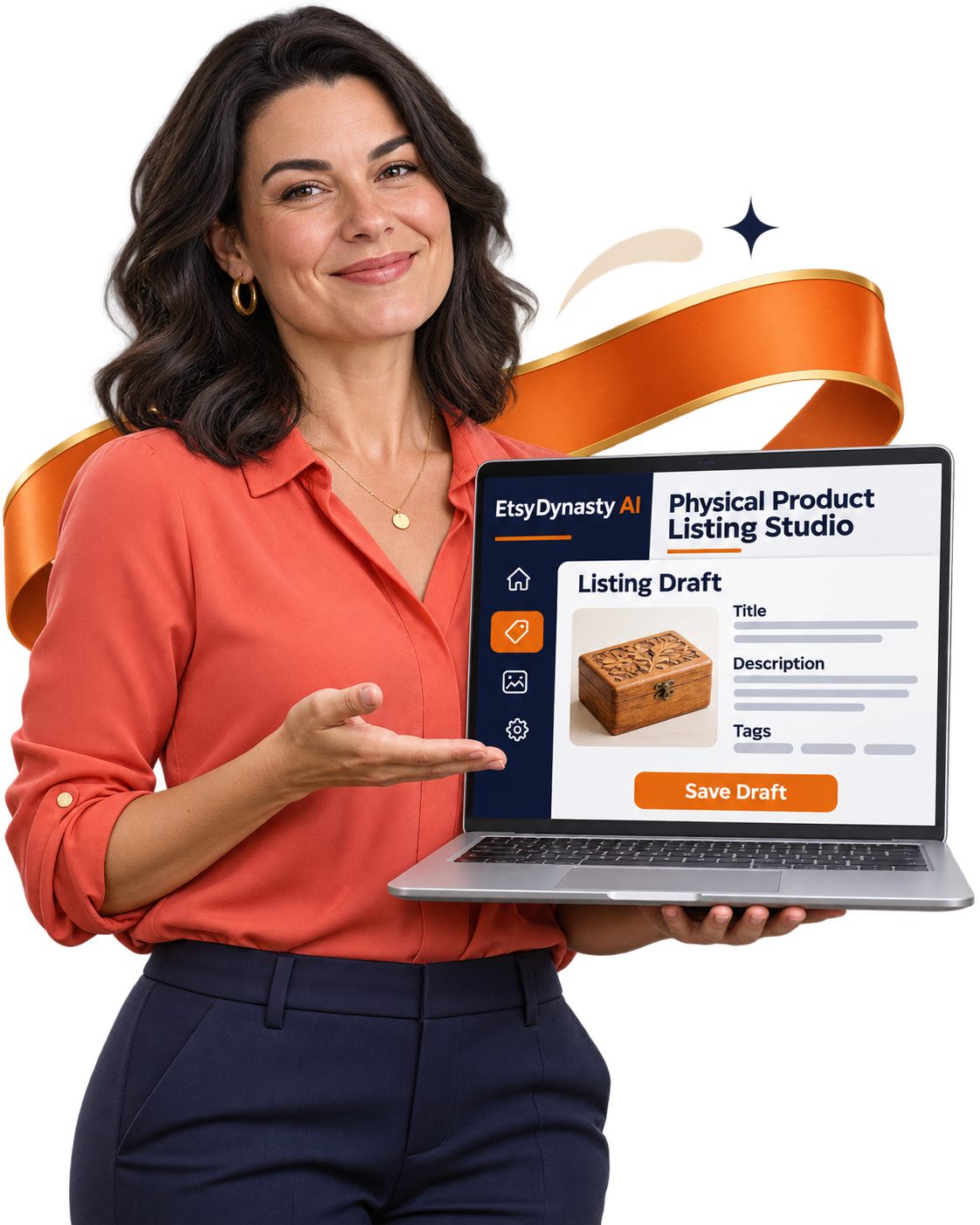
You don’t need to arrive with a polished description.
Start with what you know: what the product is, what it’s made from, its dimensions, and the features you want buyers to understand.
EtsyDynasty AI Physical Product Listing Studio helps turn those details into a practical first draft.
Enter accurate product facts. Include the details that distinguish this item and explain what the buyer will receive.
Get a title, description, and tag suggestions based on your inputs—giving you something concrete to review instead of an empty form.
Read the draft against your product. Adjust the wording, correct inaccuracies, and make sure the description reflects what you actually offer.
Save your draft for later or download the listing text. When you’re ready, enter the reviewed copy directly into your marketplace listing.
You know the product. You approve the words. You decide when it’s ready to publish.
AI-generated copy requires your review. Publishing is completed manually through your own seller account.
You’ve put your own care, choices, and personality into what you sell.
The last thing you want is a description that could belong to anyone—or wording that promises something your product doesn’t deliver.
Getting help with the first draft shouldn’t mean giving up control of the final one.
With EtsyDynasty AI Physical Product Listing Studio, the generated copy is yours to review and refine. Keep what fits. Change what doesn’t. Bring your own voice into the details.

Provide accurate materials, dimensions, features, and intended uses. Give the draft a foundation in the actual item you’re offering.
Adjust phrasing that feels too formal, too generic, or unlike your brand. Aim for a description you’d feel comfortable explaining to a customer.
Remove unsupported statements. Correct any mistaken details. Make sure the copy accurately describes what buyers will receive.
Keep your reviewed draft available to reopen, refine, and export when you’re ready to create your listing manually.
Let AI help you get started. Let your product knowledge decide what stays.

You’ve described the item. Now you’re trying to choose the title and tags.
“Should I mention the material?”
“Does this phrase describe the product—or just sound impressive?”
“What else could I use without repeating myself?”
An empty tag field gives you nothing to evaluate. A relevant suggestion gives you a starting point.
EtsyDynasty AI Physical Product Listing Studio generates a descriptive title and up to 13 Etsy tag suggestions from the information you provide. Use them to consider different ways of describing your item—then keep the wording that accurately belongs with it.
Review a title draft that identifies what you’re offering and draws on its supplied characteristics.
Get suggestions informed by details such as the materials, style, and intended use you enter.
Remove anything that doesn’t fit. Refine broad or awkward phrases so your copy stays specific to the actual product.
Review the wording together so buyers get a clear, coherent explanation of what you offer.
Get a starting point. Make thoughtful edits. Move your listing preparation forward.
You’ve started the description. Found a title you like. Made a few useful edits.
Then something else needs your attention. An order to prepare. A customer question. A product that needs finishing.
When you return, you shouldn’t have to reconstruct your work from scattered notes.
EtsyDynasty AI Physical Product Listing Studio lets you save your drafts, reopen them, and continue refining the copy when you’re ready. Your preparation can fit around your working day.
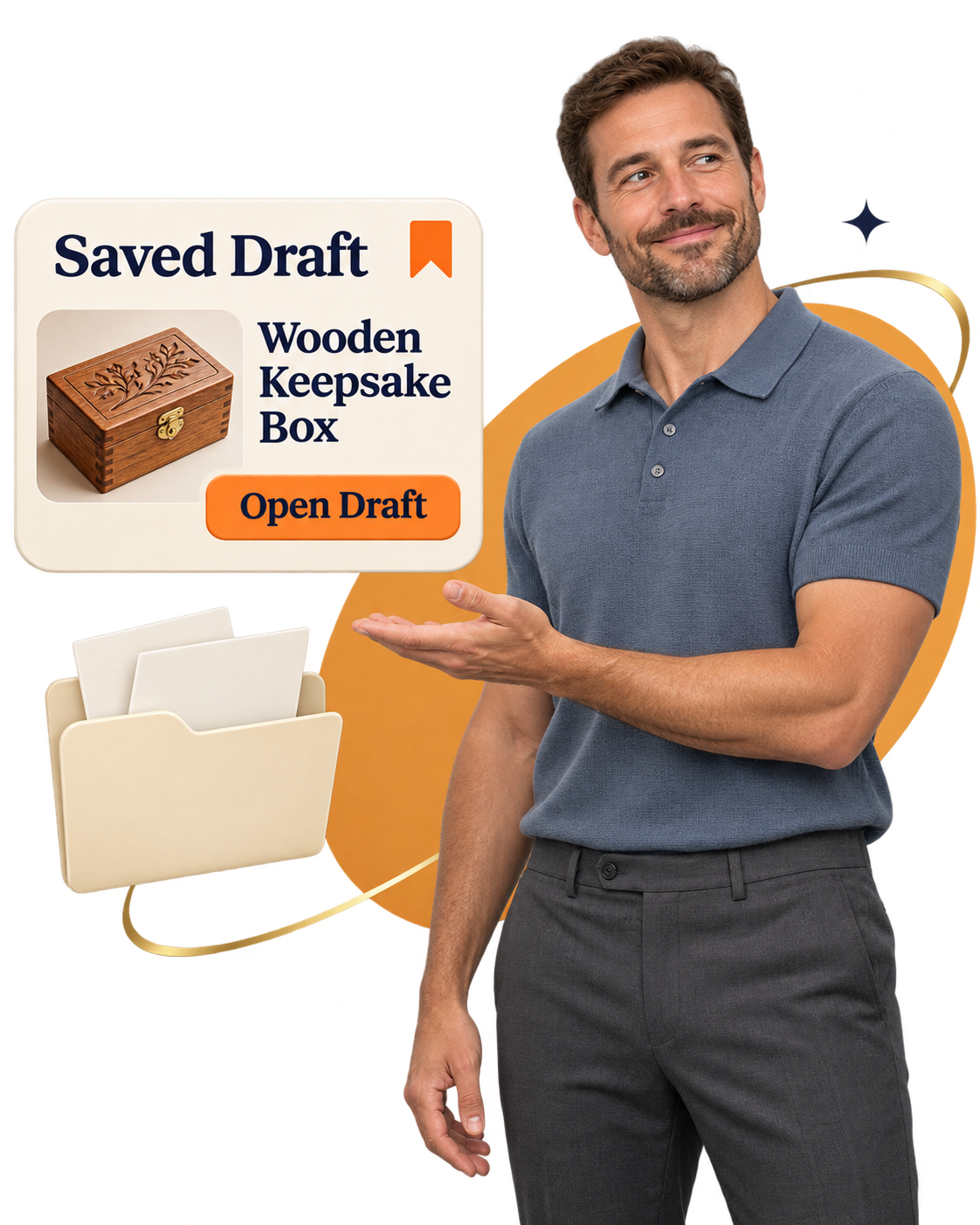
Save your draft so the wording you’ve worked on is available when you return.
Read the description again. Check the measurements, materials, and included items against your actual product.
Refine the title, adjust the description, and review the suggested tags before using them.
Download your listing text and use it when completing your listing manually through your seller account.
Save what you’ve prepared. Return with a clear next step. Finish at your own pace.

You might be comfortable choosing materials, making something by hand, or preparing orders. Writing a product description may feel much less natural.
That doesn’t mean you have nothing valuable to say.
You know what the item is. What makes it useful. Which details a customer should understand before buying. Those facts give you a place to begin.
EtsyDynasty AI Physical Product Listing Studio turns the information you supply into a draft you can work through and refine. You don’t need a polished sales pitch before you start.
Enter clear, accurate details about the product. Focus on explaining the item rather than trying to sound impressive.
Generate a title, description, and tag suggestions. Read them alongside your product facts and decide what fits.
Correct anything inaccurate and include relevant information the draft missed. Your understanding of the item remains essential.
Choose a product you know well. Prepare its copy, save it, and build familiarity with the process at your own pace.
Let the studio help organize the words. Keep your attention on making them accurate, useful, and yours.
You already have the product knowledge.
What you want is help turning that knowledge into a title, description, and tag suggestions you can actually work with.
EtsyDynasty AI Physical Product Listing Studio brings those tasks into one focused workflow. Enter the facts. Generate a draft. Review the wording. Save your progress and export your listing text when you’re ready.
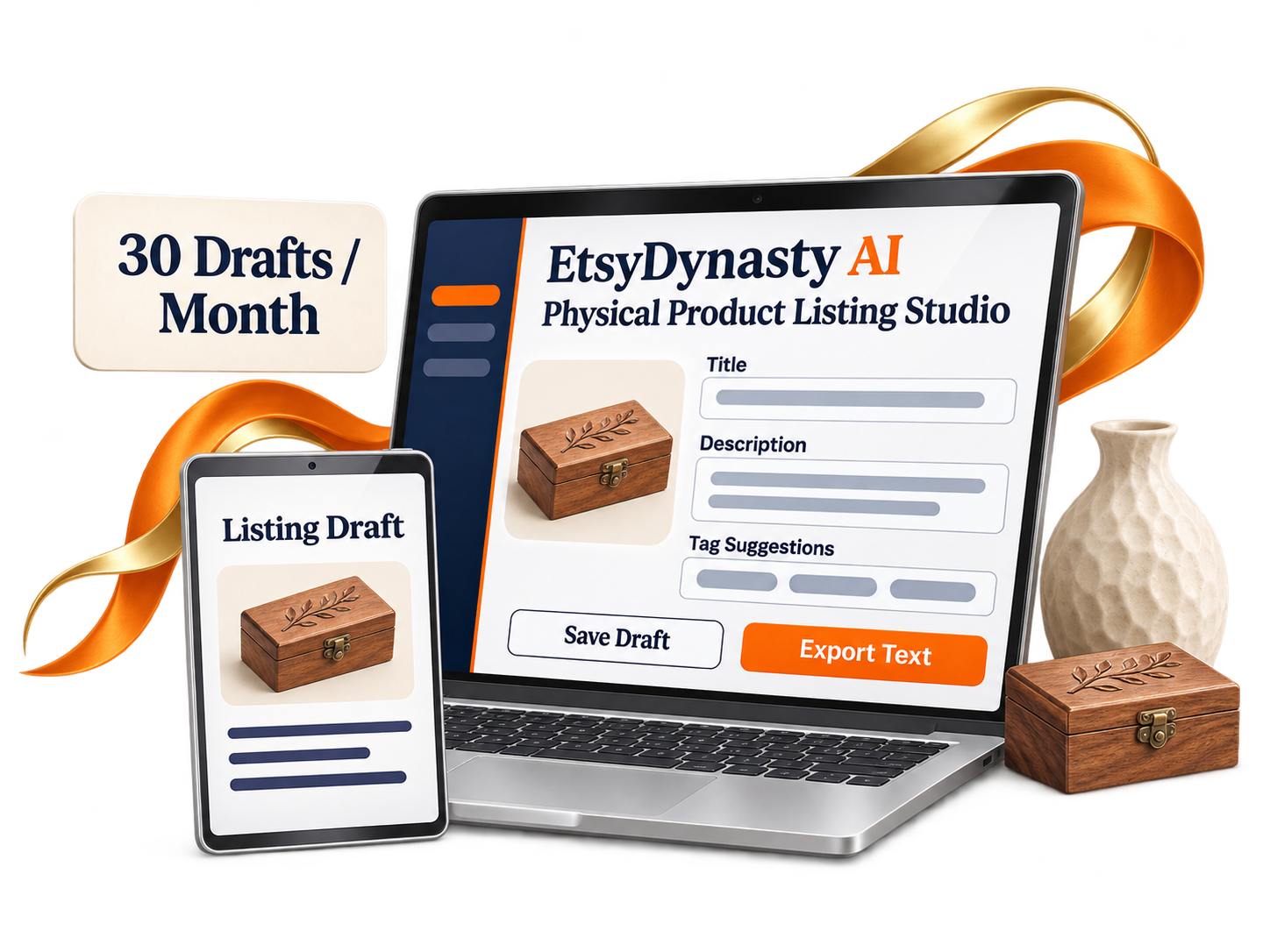
Instead of wondering how to begin, give yourself something concrete to evaluate. Does this describe my product accurately? What should I change? What else does the buyer need to know? Those questions give your next listing a practical direction.

A useful writing tool should earn its place in your workflow.
That’s why your EtsyDynasty AI Physical Product Listing Studio upgrade comes with a 30-day money-back guarantee.
Start with an item you know well. Enter its details. Generate a draft and see what it gives you to work with. Does the description help you organize the facts? Can you refine the wording into something you’d feel comfortable showing a buyer?
During your first 30 days, try the workflow:
You don’t need to publish a listing or make a sale to decide whether the tool suits you.
Contact our support team within 30 days of purchase to request a full refund of your upgrade payment. Try it on a real writing task. Give yourself time to assess the result.
Your Upgrade: $79 One Time • Backed by Our 30-Day Money-Back Guarantee
YES! Add Physical Product Listing Studio — $79 →Here’s what to expect from EtsyDynasty AI Physical Product Listing Studio.
✎ Tap a question to open the answer
It generates editable listing-copy drafts for physical products: a title, description, and up to 13 Etsy tag suggestions, based on the product facts you provide.
No. You supply the product and its accurate details. The studio helps you prepare the words used to describe it.
No copywriting experience is required to begin. Enter straightforward product details, then review and edit the generated draft. Your knowledge of the actual item is essential.
Include what the product is, its materials, dimensions, features, intended use, and what buyers receive. Supply accurate information rather than asking the AI to guess missing facts.
Yes. Review and edit the title, description, and tag suggestions. Correct inaccuracies, remove unsupported claims, and adjust the wording to suit your voice before publishing.
No. They are AI-generated suggestions informed by your product details. They do not represent verified search volumes, competition scores, or guaranteed ranking opportunities.
The upgrade includes up to 30 successfully saved AI-generated drafts per month. You can start with one product and use the allowance at your own pace.
No. You prepare and export listing text inside EtsyDynasty AI, then manually enter it into your marketplace listing. You manage your own seller account, images, pricing, shipping, and publication.
Yes. Save your draft, reopen it, refine the wording, and download the listing text when you’re ready to use it.
The upgrade is $79 one time, with a 30-day money-back guarantee. If it isn’t right for you, contact support within 30 days of purchase to request a full refund of the upgrade payment. Marketplace fees and other optional upgrades are separate.
Think about one physical product you’re ready to list. You know what it is. You know its materials, dimensions, and useful details.
Now imagine sitting down with a draft you can review—instead of wondering how to write the opening sentence.
That’s the practical next step EtsyDynasty AI Physical Product Listing Studio offers. Enter your product facts. Generate your title, description, and tag suggestions. Refine the wording until it accurately represents your item.
Your upgrade includes:
You still bring the product knowledge and make the final decisions. You get help with the writing task that sits between your finished product and its listing.
Start with one product you know well. Try the workflow and decide whether it earns a place in your routine.
YES! Add Physical Product Listing Studio — $79 →No Thanks, I Want To See Planner & Tracker BuilderThe materials. The dimensions. The details you’ve carefully chosen. You already have the foundation for a useful listing.
EtsyDynasty AI Physical Product Listing Studio helps turn those facts into a title, description, and tag suggestions you can review and refine.
Start with one item you know well. Give your next writing session a draft to work with.
You don’t need to prepare an entire collection today. Generate one draft. Check the wording. Save your progress. Export the text when you’re ready to create your listing manually.
Your upgrade includes up to 30 successfully saved AI-generated drafts per month —for $79 one time .
Your purchase comes with a 30-day money-back guarantee . Use the studio on a real listing task. If it isn’t right for you, contact support within 30 days of purchase to request a full refund of your upgrade payment.
You bring the product knowledge. Get help putting it into words.
Add EtsyDynasty AI Physical Product Listing Studio for $79 One Time.
30-Day Money-Back Guarantee • Editable Drafts • Manual Publishing
No Thanks, I Want To See Planner & Tracker Builder