You have an idea for a useful printable.
A weekly planner with more breathing room. A habit tracker that feels encouraging. A meal planner that brings a busy week together.

Create personalized weekly planners, daily planners, habit trackers, meal planners, and checklists using ready-made layouts you can customize, preview, save, and export.
A weekly planner with more breathing room. A habit tracker that feels encouraging. A meal planner that brings a busy week together.
The headings need adjusting. The boxes don’t line up. The spacing feels wrong.
…and suddenly you’re rearranging the page again.
Introducing EtsyDynasty AI Planner & Tracker Builder—a focused workspace for turning your own wording and style choices into practical printable pages.
Choose a layout. Personalize the available fields. Adjust the colors and typography. See your changes in the live preview, then download your finished PDF or complete ZIP package.
Move from deciding where every box belongs to deciding what makes the page useful.
Choose weekly, daily, habit-tracking, meal-planning, or checklist layouts to match the purpose of your printable.
Customize titles, subtitles, and available labels so the page reflects the audience or routine you have in mind.
Choose from the available colors and typography options to create a consistent visual style.
Use the live preview to review the layout before exporting, rather than waiting until the download to see the result.
Select the paper size that suits your intended users and check the exported file before offering it for sale.
Turn your customized layout into a file you can inspect, test-print, and prepare for your product listing.
Download a ZIP containing your printable PDF, SVG pages, and editable project JSON.
Reopen saved projects or import an exported project file to continue making changes.
This studio uses template-based layouts, so customizing and exporting these planners does not require a Gemini key or AI generation credits.
You don’t have to create an entire planner collection on your first visit. Start with one page you’d be proud to put your name on.
Build it around a clear purpose. Check the details. Export it. Then decide what you want to create next.
Watch the workflow: choose a layout → personalize your page → preview → save and export.
Five Layout Types · Live Preview · A4 & US Letter · PDF & ZIP Downloads
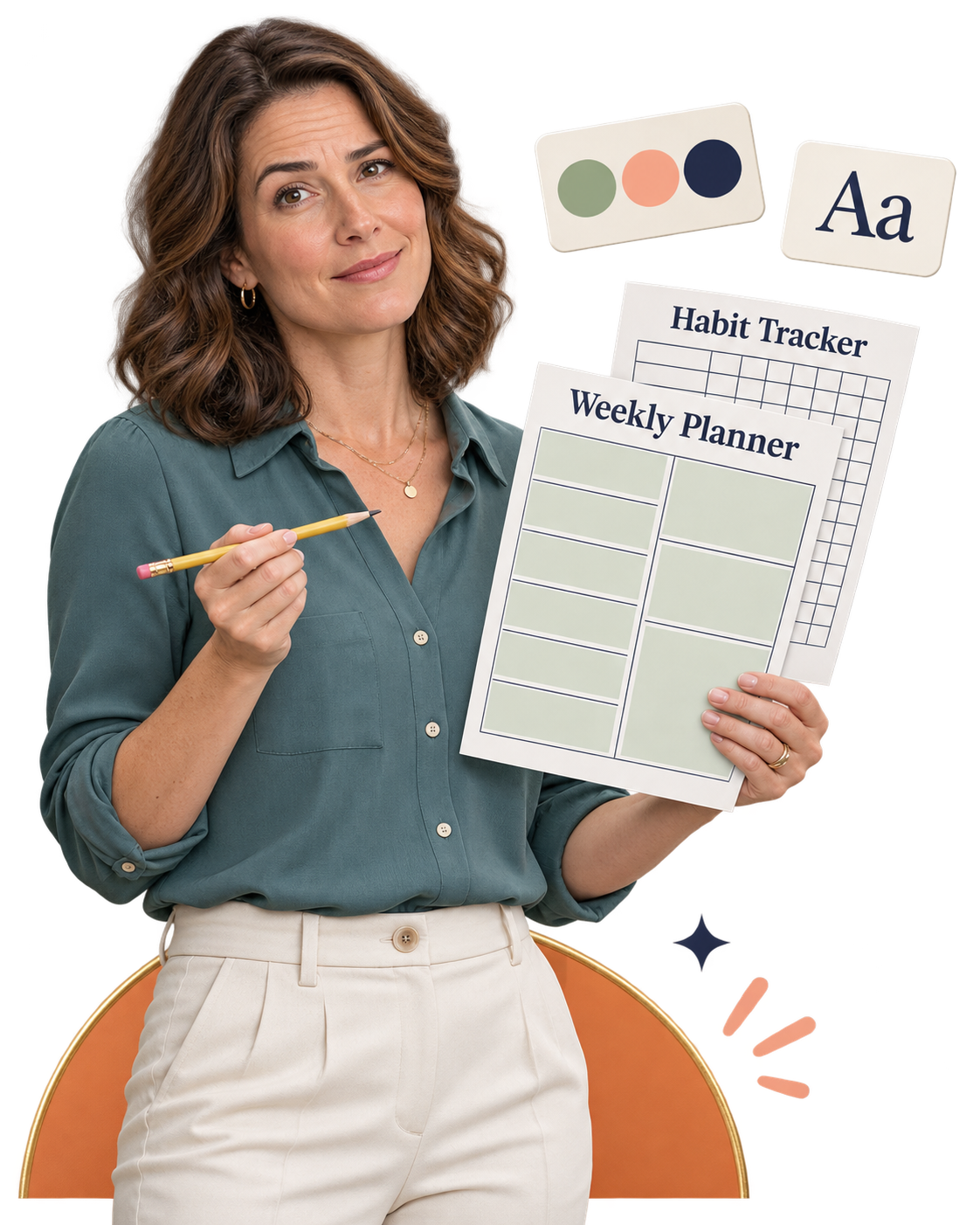
You know what you want to create.
A weekly planner with room to breathe. A habit tracker that’s easy to follow. A checklist that helps someone get through a busy day.
Then you start arranging the page.
“Are these boxes too small?”
“Why won’t the headings line up?”
“Will this still look right when it’s printed?”
You adjust the spacing. Change the font. Move the same elements again.
Before long, you’re spending more attention on positioning boxes than on making the planner useful.
EtsyDynasty AI Planner & Tracker Builder gives you ready-made layouts you can personalize through straightforward controls. Choose a starting point, add your wording, and review your changes in the live preview.
Begin with a weekly planner, daily planner, habit tracker, meal planner, or checklist layout.
Customize the title, subtitle, and available labels to suit the routine or audience you have in mind.
Choose from the available colors and typography options without rebuilding the layout yourself.
Save your project and export a printable PDF to inspect and test-print before preparing it for sale.
Less time arranging the page. More attention to what someone will use it for.
You don’t need to map out a huge planner bundle before you begin.
Start with one everyday task you want to make easier.
Planning the week. Keeping track of a habit. Deciding what to cook. Remembering the small jobs that keep getting missed.
Give that task a clear, practical page—and you have something concrete to develop.
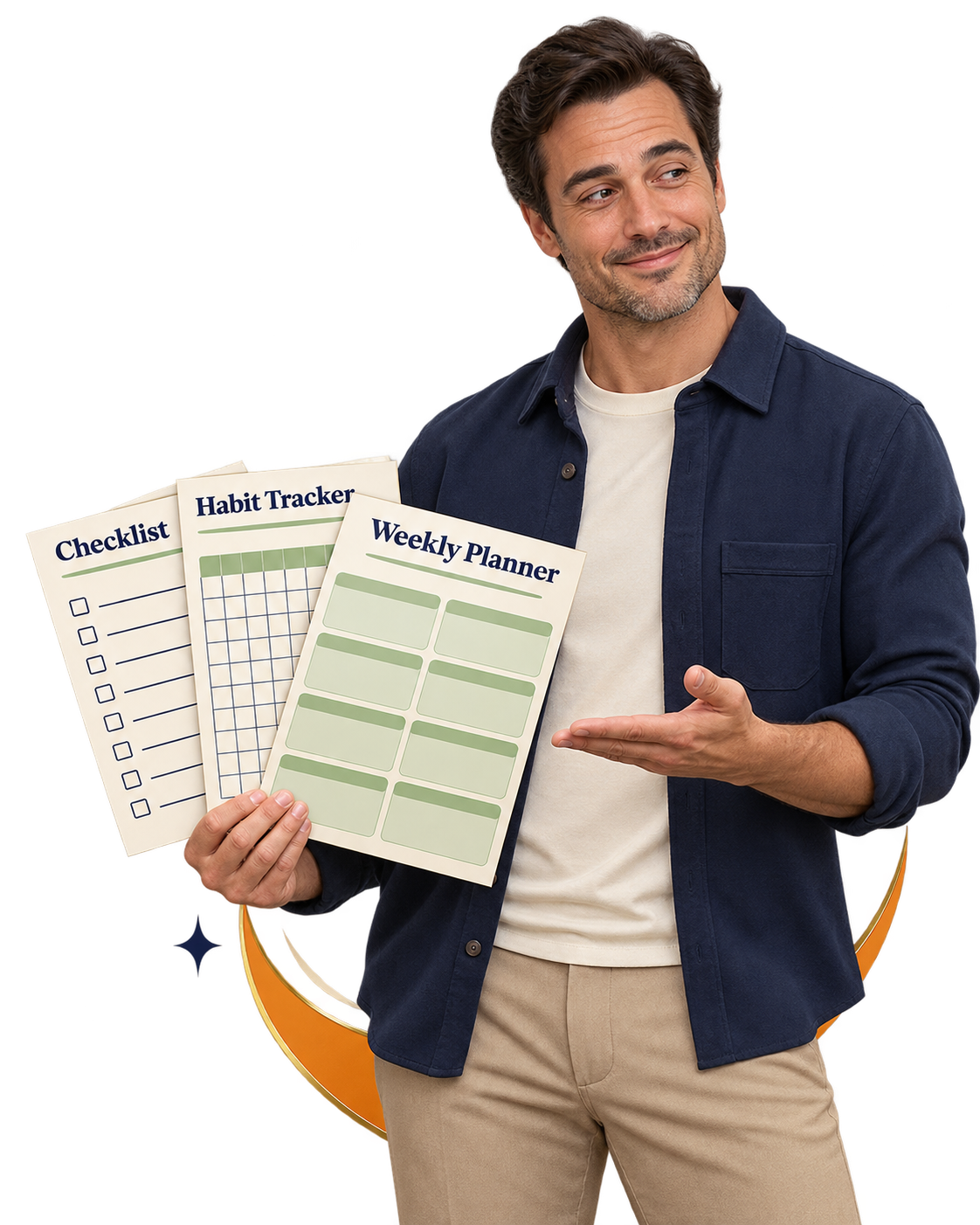
EtsyDynasty AI Planner & Tracker Builder gives you five layout types to personalize around your own ideas.
Create a page for organizing the days ahead. Personalize its heading and available labels to suit the routine you have in mind.
Build a printable around daily planning, with space for the priorities and details supported by the layout.
Prepare a structured page for recording habits. Adapt the available wording and visual style to your chosen theme.
Create a practical planning page that users can print and write on as they organize their meals.
Use the checklist layout to organize your own items into a page someone can follow and mark as they go.
Choose a color palette and typography you like. Carry those choices into related projects, then review each page for its intended purpose. A weekly planner and a matching checklist can begin with the same visual direction—while helping with different tasks. Save and export each project as you develop your collection. You decide how to group and present the finished files.
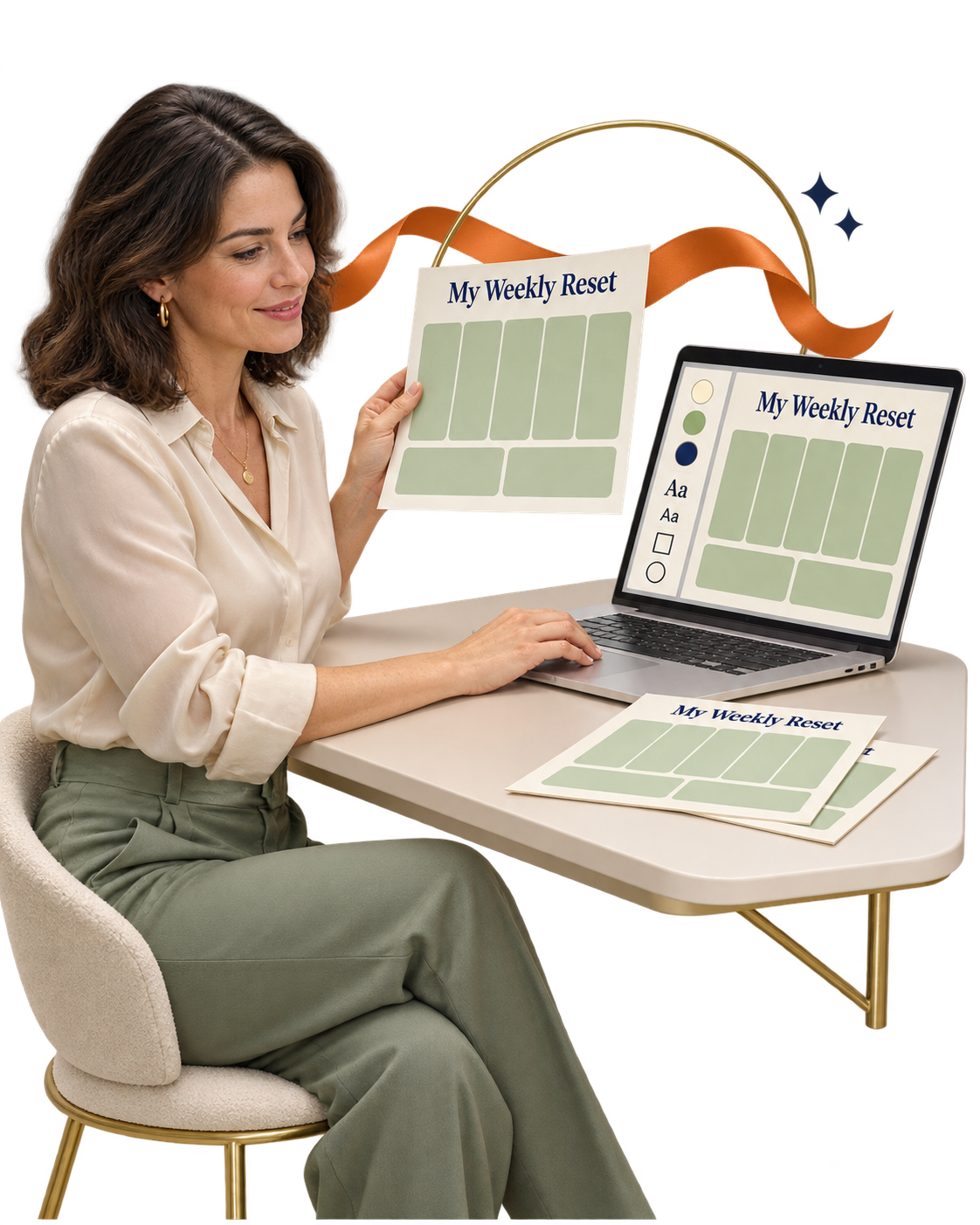
Your planner should feel like a product you chose to create—from the words at the top to the colors on the page.
Maybe you want a calm weekly planner for busy mornings. A cheerful habit tracker for a fresh start. Or a simple checklist that makes an overwhelming task feel manageable.
EtsyDynasty AI Planner & Tracker Builder gives you a structured starting point—and the controls to put your own style into it.
Choose a layout, personalize the available details, and watch your page take shape in the live preview.
Start with a weekly planner, daily planner, habit tracker, meal planner, or checklist. Give your product a clear purpose before you spend time on its appearance.
Customize the title, subtitle, and available labels or entries for your chosen layout. Turn a general planning page into something with a more specific focus—such as a weekly reset, a daily priority sheet, or a household checklist. Your wording helps explain who the page is for and how to use it.
Choose from the available colors and typography options. Select A4 or US Letter for supported planner layouts. See how your choices work together in the live preview, so you can refine the page before downloading it.
Save the project so you can reopen it and make changes later. Download a printable PDF, or choose the complete ZIP containing the PDF, SVG pages, and editable project file. Keep a finished download and a project you can return to.
You make the creative decisions. The builder provides the layout and export workflow. Choose. Personalize. Preview. Save. Download.
Customization uses the controls available in each template. PDFs are for printing, rather than interactive form filling. Review your exported files and make a test print before offering them to buyers.
You’ve chosen the layout. Found the right colors. Written a title that fits.
Then you spot one small change you want to make. A clearer heading. A different subtitle. A label that would make more sense to the person using your planner.
That’s why being able to return to your work matters.
EtsyDynasty AI Planner & Tracker Builder lets you save your project, reopen it, and refine the available details—so your next editing session starts with the work you’ve already done.
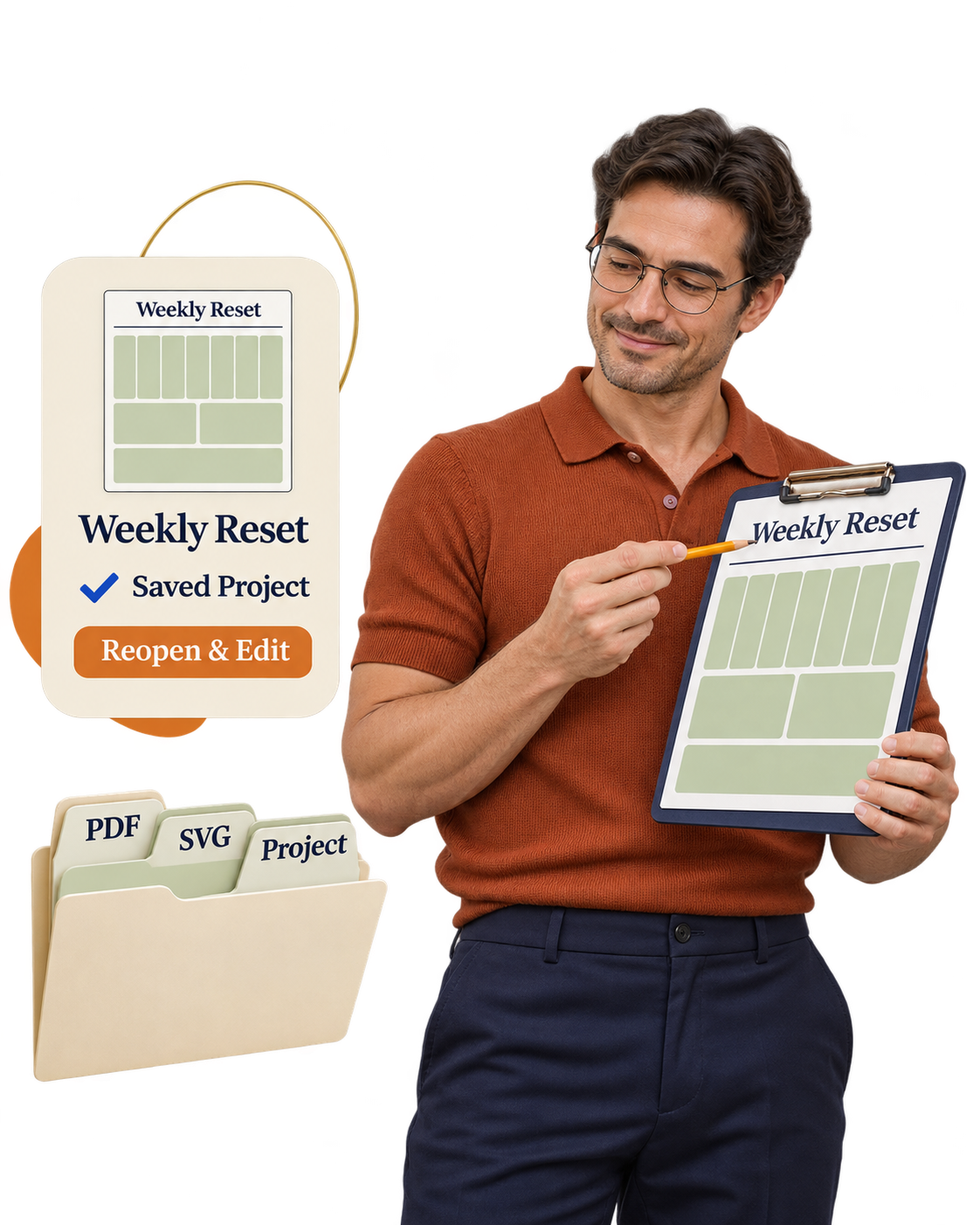
You don’t have to finish every decision in one sitting. Save your planner project and return when you’re ready to continue.
Adjust the wording, available labels, colors, or typography for your selected template. Keep developing the page until it feels clear, useful, and consistent.
Download the complete ZIP to get your printable PDF, SVG pages, and editable project JSON. The PDF gives you the printable output. The project file gives you a way to bring your work back into the builder.
Print a sample and check the writing space, contrast, labels, and overall readability. If something needs attention, reopen your project, make the adjustment, and export again. A small improvement on screen can make a meaningful difference to the person using the printed page.
Build it. Save it. Try it. Improve it. Give every planner the attention it deserves—with a project you can return to instead of starting over.
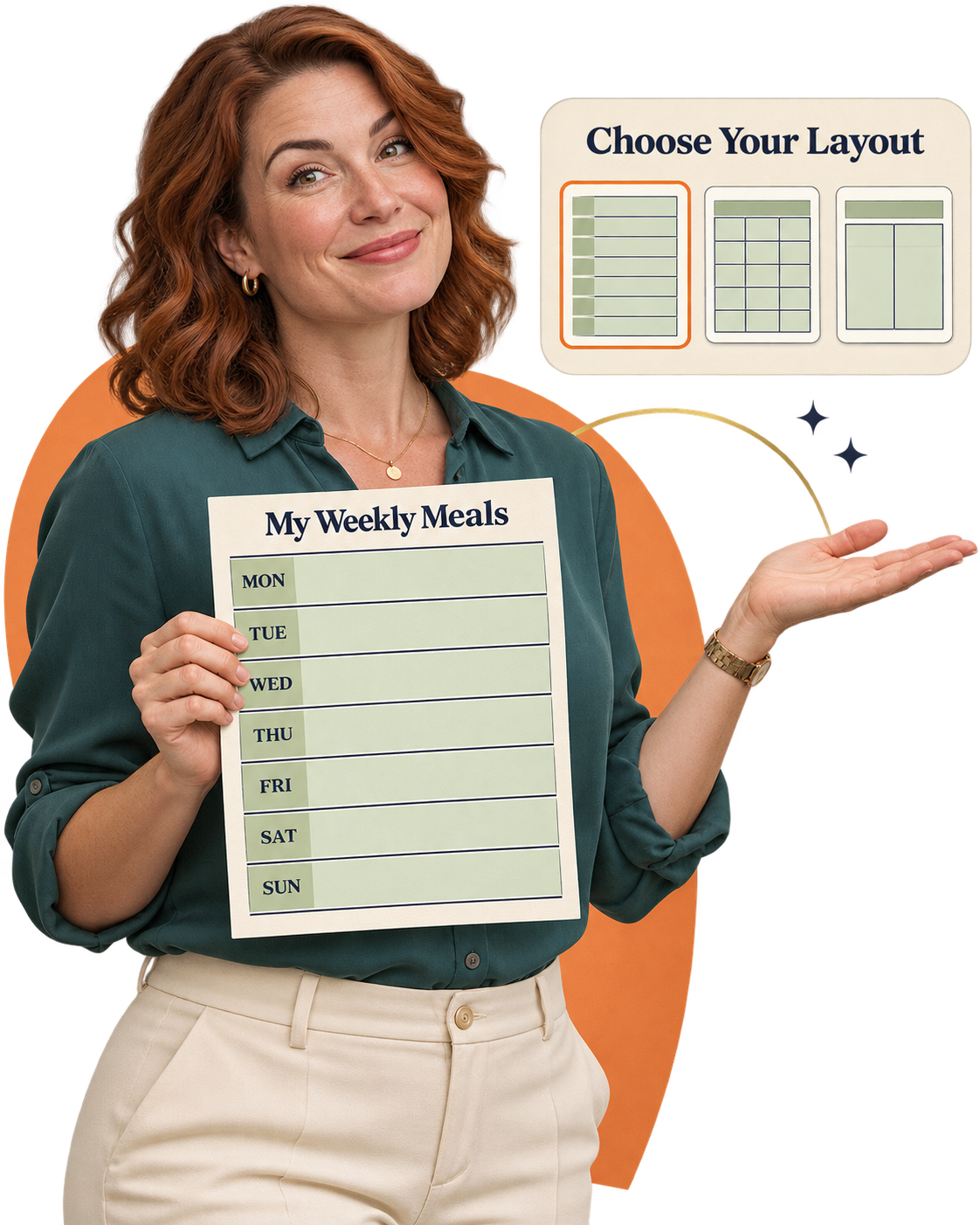
You can picture the person who would use your planner.
Someone trying to organize a busy week. Keep track of a new habit. Plan meals before the grocery trip. Or turn a long list of tasks into something they can work through.
You have a useful idea. What makes you hesitate is turning that idea into a page that looks organized and feels easy to use.
Which layout should you choose?
Where should the headings go?
How do you bring the colors and type together?
EtsyDynasty AI Planner & Tracker Builder gives you five practical template types and a focused set of customization controls. The page structure is already there. You choose its purpose, personalize the available details, and review the result.
Start with something specific: planning weekday meals, recording daily habits, or organizing the week ahead. A clear purpose makes your first page easier to shape.
Select a weekly planner, daily planner, habit tracker, meal planner, or checklist. Give your idea a practical starting point with spaces and sections already arranged.
Add your title and subtitle. Edit the available labels or entries. Choose a color and typography option that suits the page. You can focus on useful details without having to position every box yourself.
Use the live preview to review your changes, then download a PDF and check a printed sample. Take the next step with something you can actually inspect, use, and improve.
This studio uses customizable templates. Its planner-building features do not consume AI generation credits. Open the builder, choose your starting point, and work through the available controls at your own pace.
Make it clear. Make it practical. Make it something you’re proud to finish. You can build your confidence—and your collection—from there.
A weekly planner in one style. A habit tracker in another. A checklist that feels completely different.
Each page may be useful on its own. But when you want to present them together, the details matter.
The colors. The headings. The typography. The way you describe what each page helps someone do.
EtsyDynasty AI Planner & Tracker Builderlets you carry a consistent style across the separate planner projects you create.
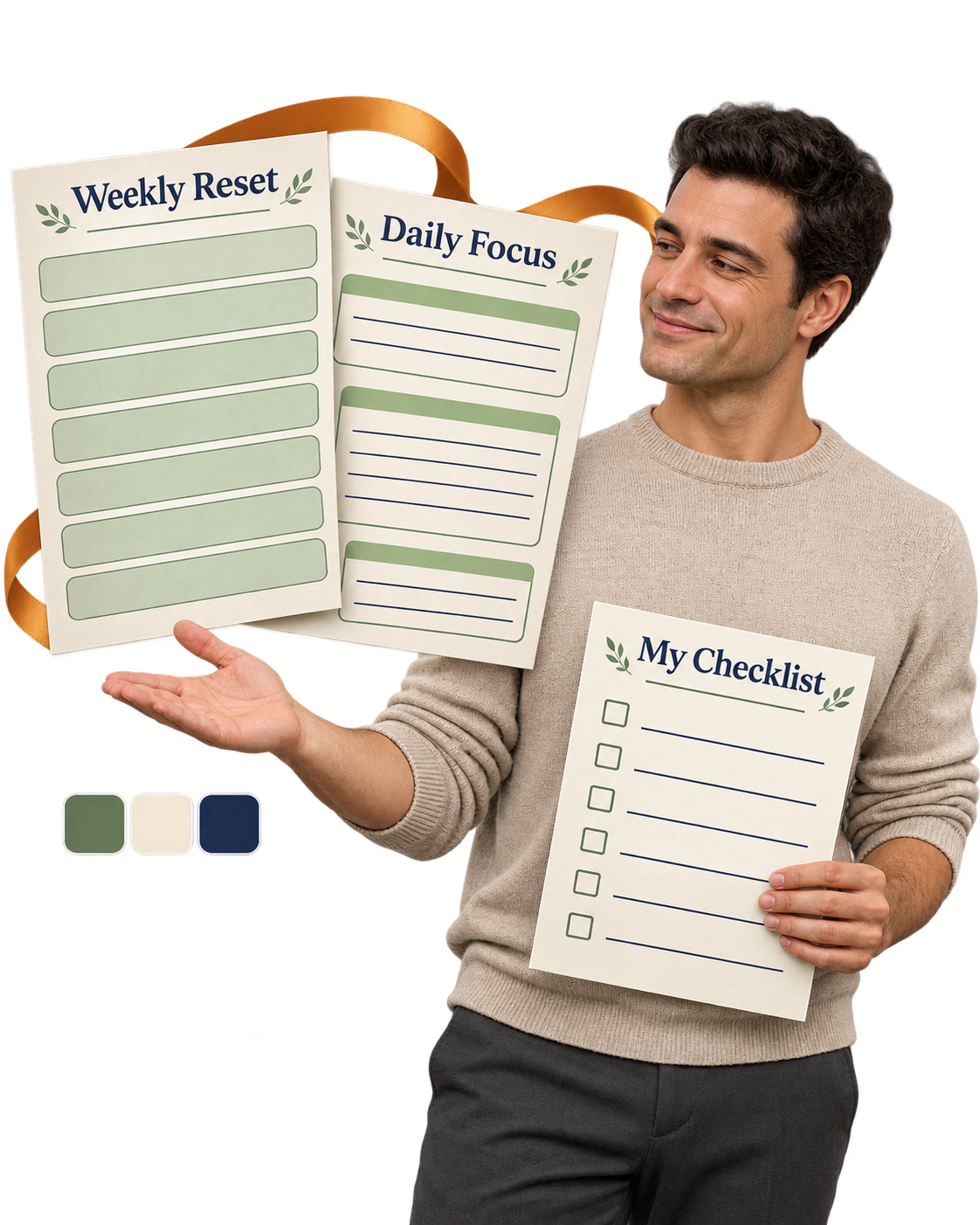
Start with a theme that connects the pages.
Might include a weekly planner and checklist.
Could pair a daily planner with a habit tracker.
Might combine a meal planner with a shopping checklist.
Choose pages that work together to help someone complete a practical task.
Use the same available color option across related projects. Give your pages a recognizable look when they’re displayed side by side.
Choose matching typography for your planner, tracker, and checklist. Create a sense of continuity from the first heading to the last page.
Personalize the titles, subtitles, and available labels around your chosen theme. Let each page serve its own purpose while feeling like part of the same collection.
Save and export your projects individually. Check the files and print samples before deciding how to group and present them. Build your collection one finished page at a time.
You don’t need a huge collection to make a thoughtful first product. A clear purpose, a consistent appearance, and useful pages give you something concrete to develop and refine.
Planner & Tracker Builder creates and exports individual projects. Combining separate products into a single bundle is a separate packaging step.
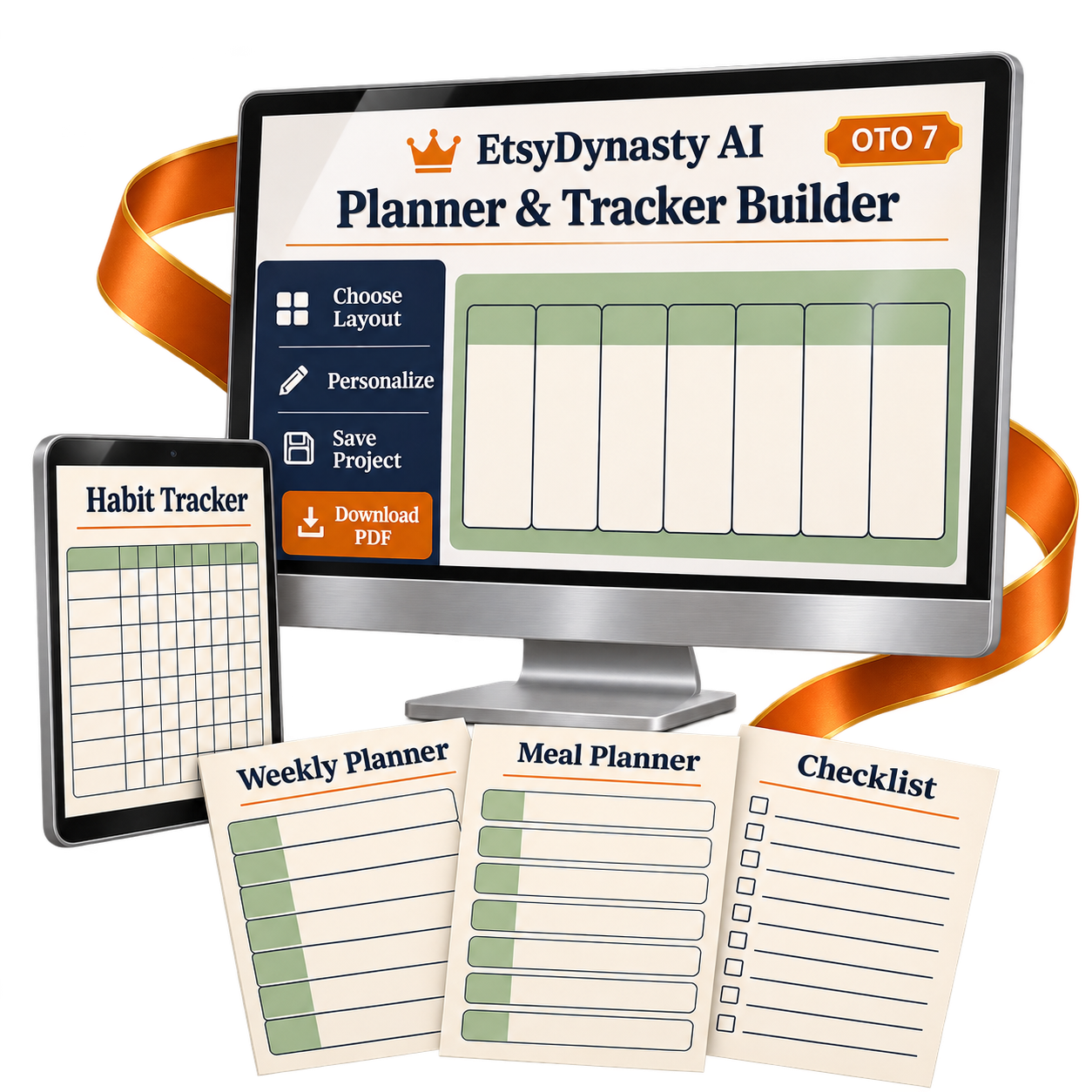
You already know the kinds of pages you’d like to create.
A weekly planner that brings some order to a busy schedule. A habit tracker with a clear purpose. A meal planner that makes the next grocery trip easier.
Now you can give those ideas a practical starting point inside EtsyDynasty AI.
Planner & Tracker Builder brings templates, customization, live previews, saved projects, and downloadable files into one focused workspace.
Create weekly planners, daily planners, habit trackers, meal planners, and checklists.
Make each project your own with titles, subtitles, available labels or entries, color choices, and typography options.
See your changes as you work and refine the presentation before exporting.
Choose the supported paper size that suits the printable you’re preparing.
Get a file you can open, review, and test-print.
Keep the PDF, SVG pages, and editable project JSON together.
Reopen your work, make adjustments, and export an updated version.
These planner-building features require no Gemini key and consume no AI generation credits.
Start with one useful planner. Learn the controls. Review your first download. Then bring the same care to your next project. Your upgrade gives you the tools to create and refine. You decide what to make and how to present it.
Five planner types • Saved projects • PDF & ZIP downloads
This is an optional upgrade to EtsyDynasty AI. Customization follows each template’s available controls. PDFs are printable, rather than interactive fillable forms. Review and test-print your files before offering them to buyers; marketplace uploading remains manual.
A preview can show you the possibilities. Creating your own page tells you whether the builder fits the way you work.
That’s why your EtsyDynasty AI Planner & Tracker Builder upgrade includes a 30-day money-back guarantee.
Give yourself time to explore the layouts, personalize a project, and inspect the files you download.

Choose a weekly planner, daily planner, habit tracker, meal planner, or checklist.
Adjust the title, available wording, colors, and typography. See whether the controls give you the flexibility you need.
Export your PDF, open the ZIP, and print a sample. Review the writing space, readability, and overall presentation.
Reopen your saved project, refine a detail, and export again. Experience the workflow beyond the first preview.
Those are the questions that matter. If you decide the upgrade isn’t right for you, contact our support team within 30 days of purchase to request a refund of your OTO 7 purchase price.
Get Planner & Tracker Builder for $57.95 one time, backed by our 30-day money-back guarantee.
YES! Add Planner & Tracker Builder to My Account — $57.95 →✎ Tap a question to watch the answer get written
It’s an optional EtsyDynasty AI upgrade for creating printable weekly planners, daily planners, habit trackers, meal planners, and checklists.
Choose a template, personalize its available details, preview your page, save your project, and download your files.
You can start with the provided layouts and use the available controls for wording, colors, and typography.
The template supplies the page structure, so you don’t have to position every box yourself. You should still review the finished result and make a test print.
No. These planner-building features are template-based and do not consume AI generation credits or require a Gemini key.
Other AI features elsewhere in EtsyDynasty AI have their own requirements and allowances.
You can change titles, subtitles, available labels or entries, color options, and typography, depending on the selected template.
Customization follows each layout’s controls. It isn’t a freeform drag-and-drop design editor.
The planner layouts support A4 and US Letter.
Choose your size before exporting, then check the downloaded file and your printer settings before preparing a product for buyers.
You can download a printable PDF or a complete ZIP containing the PDF, SVG pages, and editable project JSON.
The project JSON can be imported back into the builder for further editing.
Yes. Save your project, reopen it, make changes, and export an updated version.
You can also keep the downloadable project file as a separate copy of your work.
The exported PDFs are designed for printing and writing on by hand. They do not include interactive form fields.
Editable project files let you revise the design in the builder; they don’t turn the PDF into a fillable form.
Publishing is manual. You review your files, prepare your listing, and upload through your chosen marketplace account.
Each planner project exports separately. Combining multiple projects into one product bundle is a separate packaging step.
Planner & Tracker Builder is $57.95 one time, with a planned regular price of $197.95.
Your purchase includes a 30-day money-back guarantee. If the upgrade doesn’t fit your needs, contact support within 30 days of purchase to request a refund of the OTO 7 purchase price.
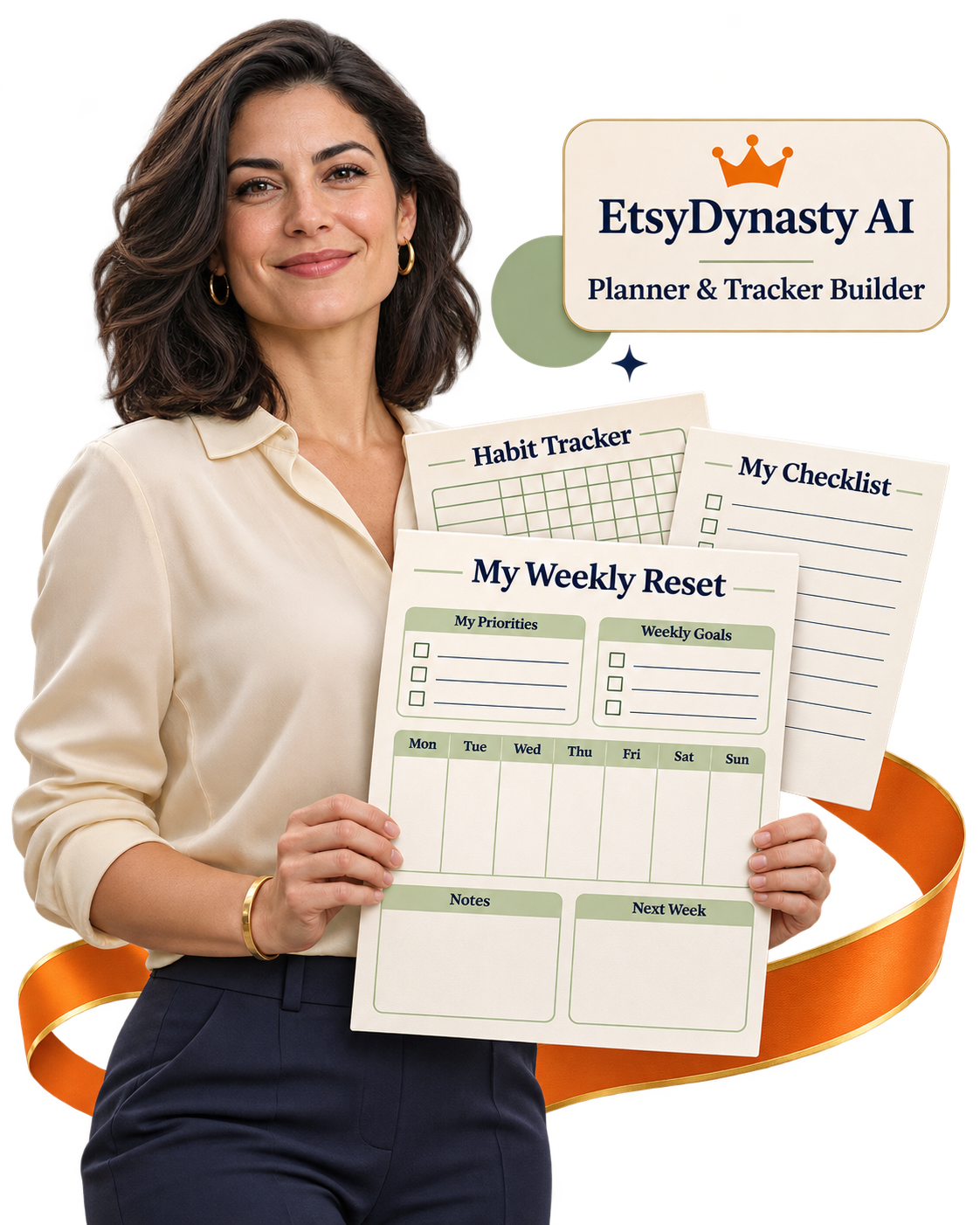
Picture one finished page you’d be proud to put your name on.
A weekly planner with room to think. A habit tracker with a clear purpose. A meal planner that makes an everyday task feel more organized.
You choose who it’s for and what it should help them do.
EtsyDynasty AI Planner & Tracker Builder gives you the templates, customization controls, and export tools to bring that page together.
Choose your layout. Add your wording. Find a style that fits. Watch the preview take shape, save your project, and download a printable PDF. Then print it, use it, and make the improvements that matter.
That’s a practical way to move your next product forward—one thoughtful page at a time.
Weekly, daily, habit, meal, and checklist.
Titles, subtitles, available labels, colors, and typography.
See your choices together before exporting.
Prepare pages in your chosen supported size.
Keep your printable output and editable project files.
Return to your work and refine it later.
No AI generation credits or Gemini key needed for these features.
Create • Personalize • Preview • Save • Download
A busy week that needs organizing. A habit someone wants to track. Meals that need planning before the next grocery trip.
Choose one purpose. Pick a layout. Make the page your own.
EtsyDynasty AI Planner & Tracker Builder gives you a practical workspace for turning that idea into a printable you can preview, save, download, and refine.
You don’t have to finish an entire collection to make meaningful progress. Start with one useful page.
A better title. A clearer label. A different color choice.
Your saved project gives you somewhere to continue. Reopen it, adjust the available details, and export an updated version.
Keep your finished files—and a project you can keep developing.
If planners, trackers, and checklists belong in your product plans, this optional upgrade brings five template types, personalization controls, live previews, and PDF and ZIP exports into your EtsyDynasty AI workflow.
Your price is $57.95 one time , with a 30-day money-back guarantee .
Review the downloads. Print a sample. Decide whether it fits the way you work.
Planned regular price: $197.95
One-time upgrade payment • 30-day money-back guarantee
EtsyDynasty AI Planner & Tracker Builder — $197.95 $57.95 One Time
One-time upgrade payment • 30-day money-back guarantee